Change E-money Settings After Launch
Overview
Section titled “Overview”If you want to change e-money settings after service launch, Pocket Change must re-review the settings and members must be notified.
Review usually takes at least one business day. The member notification period is usually two weeks, but it may be extended up to two months for changes that disadvantage members from a consumer protection perspective.
Once you apply for re-review, you cannot change other reviewed settings until the change is applied. If you want to change multiple settings, make the changes together.
Decide the Changes
Section titled “Decide the Changes”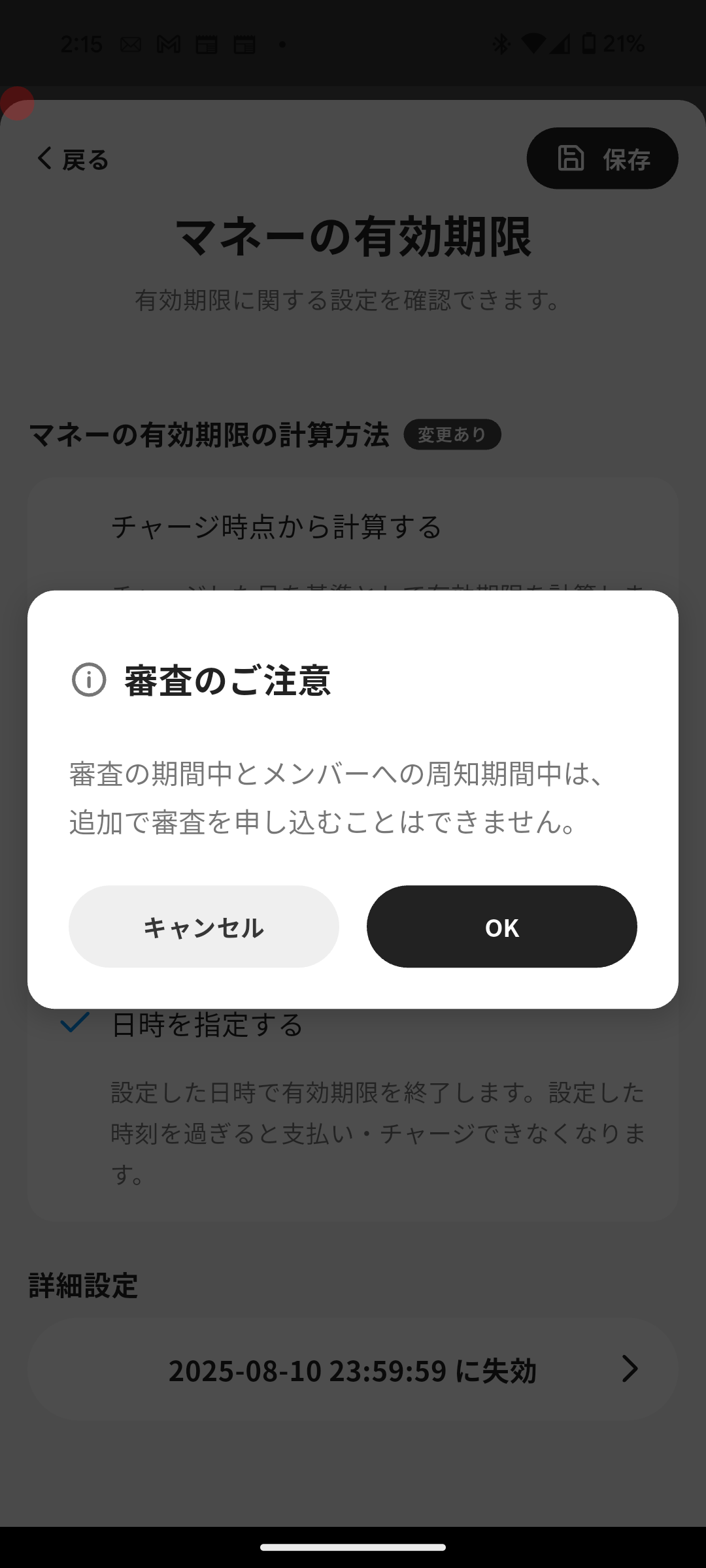
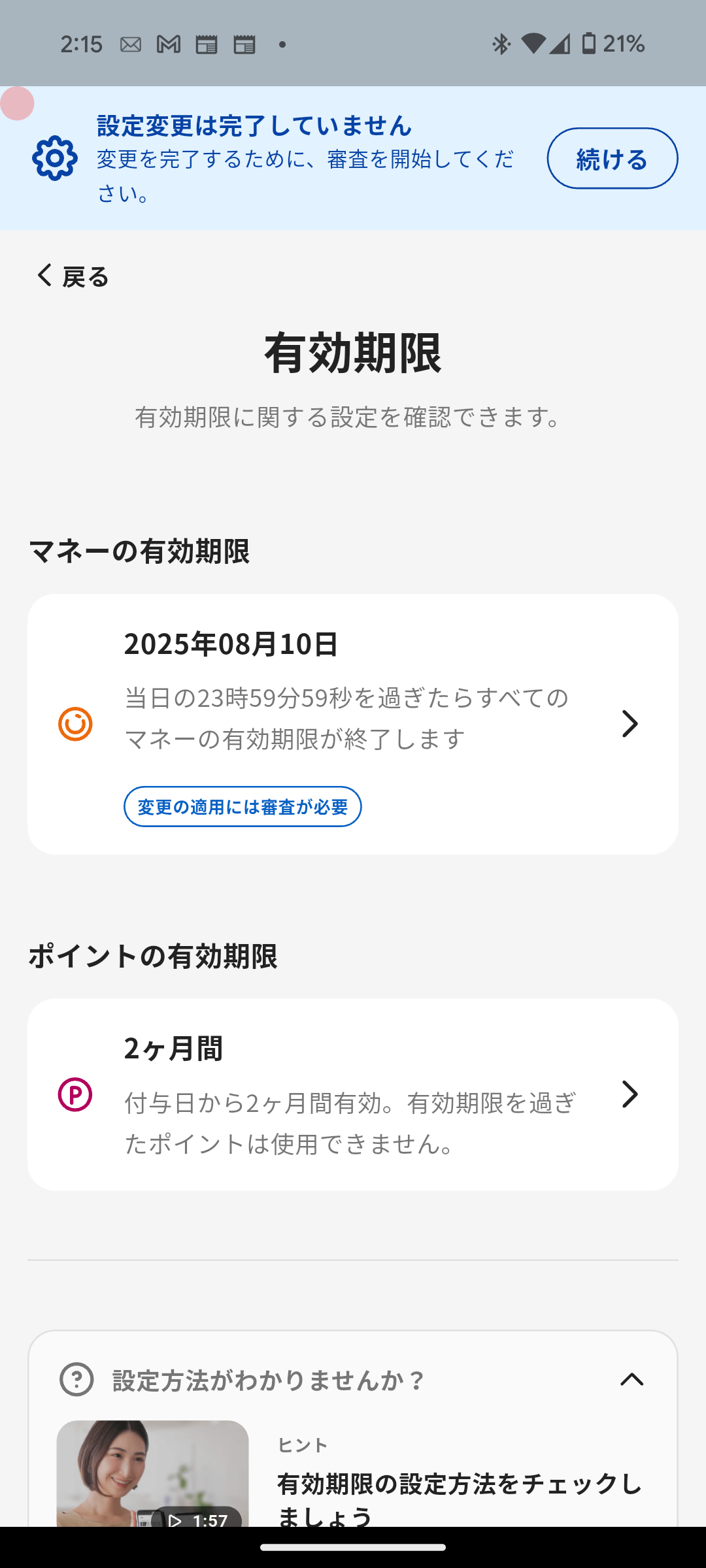
- Tap Menu in the navigation bar.
- Tap E-money Settings.
- Edit and save the settings you want to change. You can change multiple items.
- Name / unit
- Payment
- Charge
- Points
- E-money Provider Information
The Cashier Mode and Tags items on the E-money Settings menu can be edited without re-review.
The exchange rate cannot be changed after launch, so that the value of member balances and past transactions stays the same. To offer a different rate, create a new e-money.
Apply for Re-Review
Section titled “Apply for Re-Review”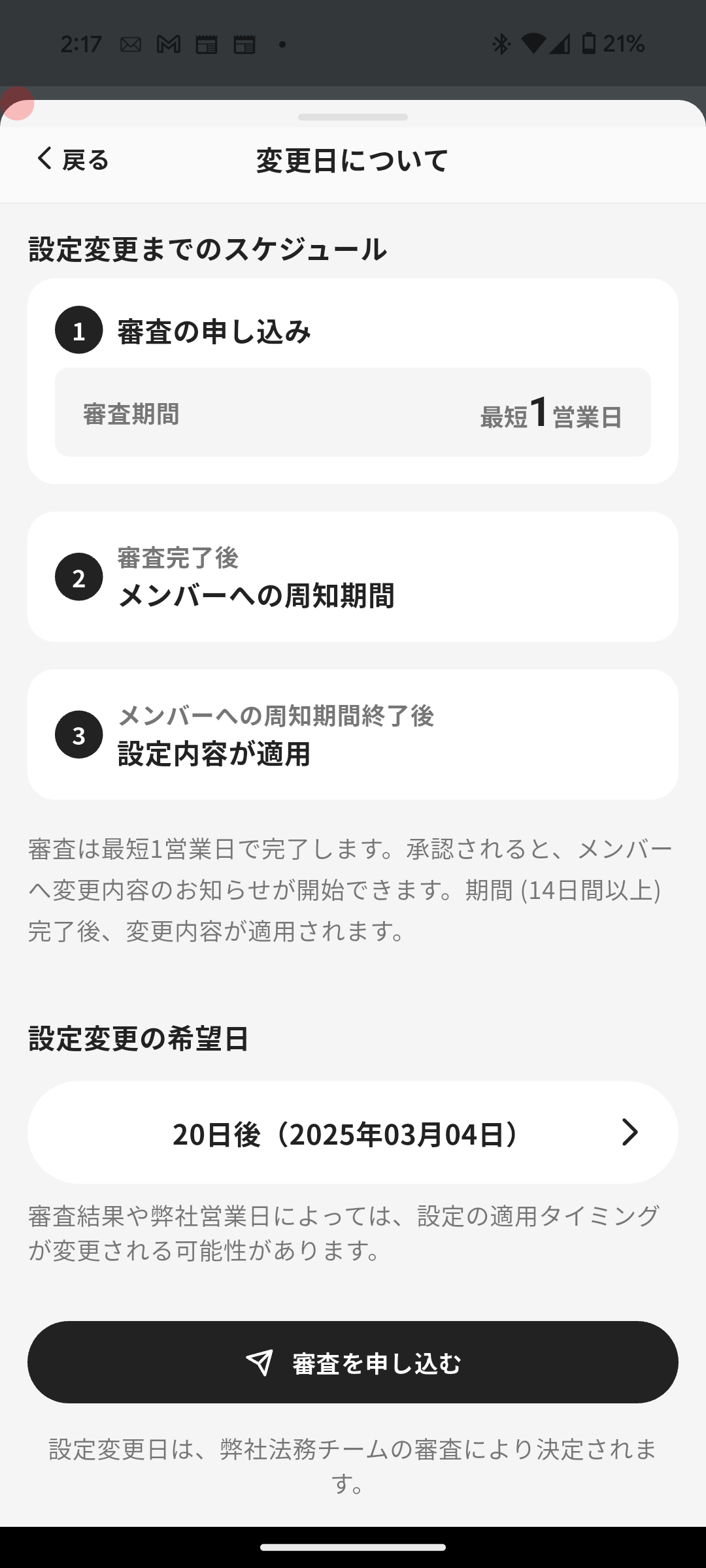
- Tap Continue on the banner.
- Review the list of changes and tap Continue.
- Choose the desired change date while considering the member notification period, then tap Apply for Review.
