Check the App Version
## Overview
Check whether the app version is up to date.
If you use an old version, the app may not work correctly. Use the latest version whenever possible.
Update the app from the [app store for the Shop App](https://pokepay.jp/creator_app_download).
## Check the Version
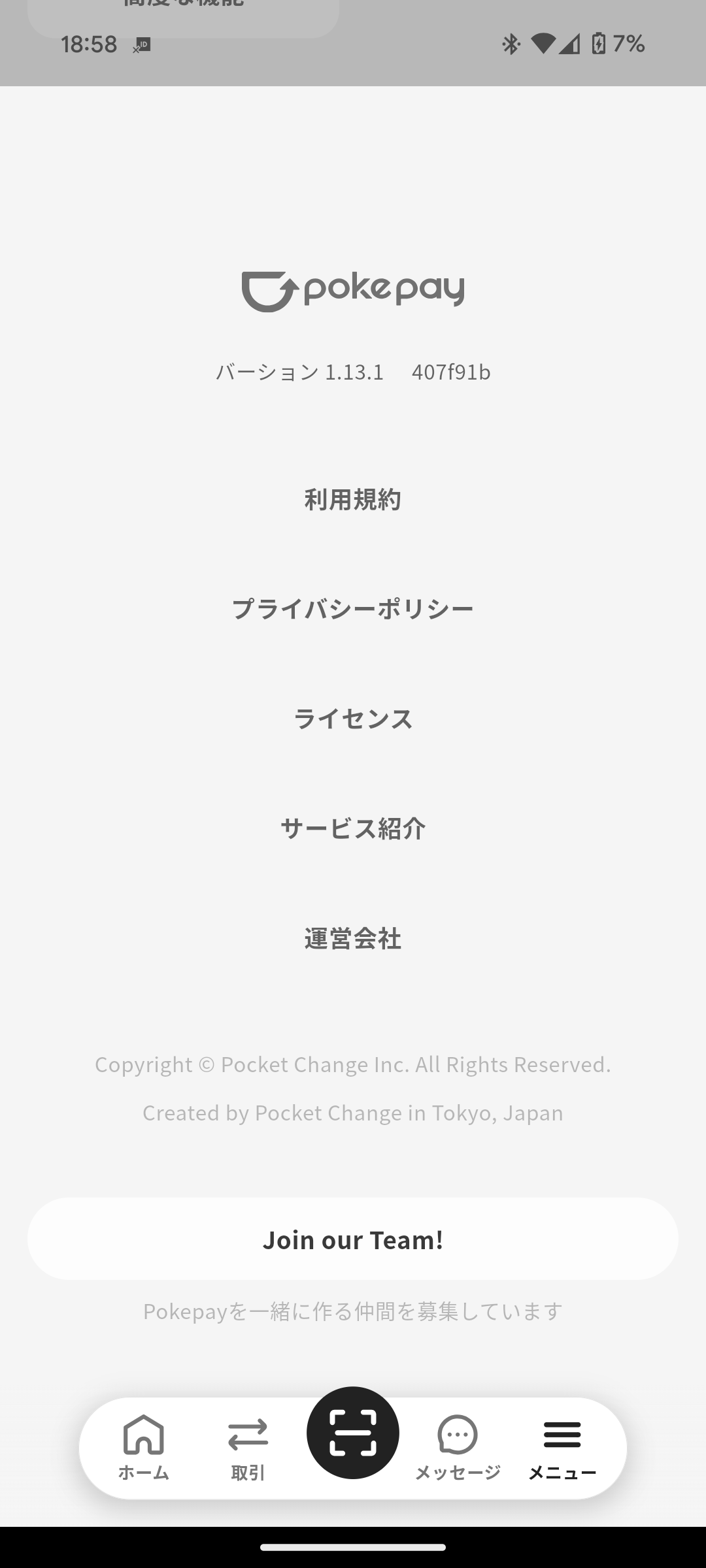
1. Tap **Menu** in the navigation bar.
2. Scroll down the screen.
3. Check the version number shown below the Pokepay logo, such as **Version x.x.x**.
Overview
Section titled “Overview”Check whether the app version is up to date.
If you use an old version, the app may not work correctly. Use the latest version whenever possible.
Update the app from the app store for the Shop App.
Check the Version
Section titled “Check the Version”
- Tap Menu in the navigation bar.
- Scroll down the screen.
- Check the version number shown below the Pokepay logo, such as Version x.x.x.
